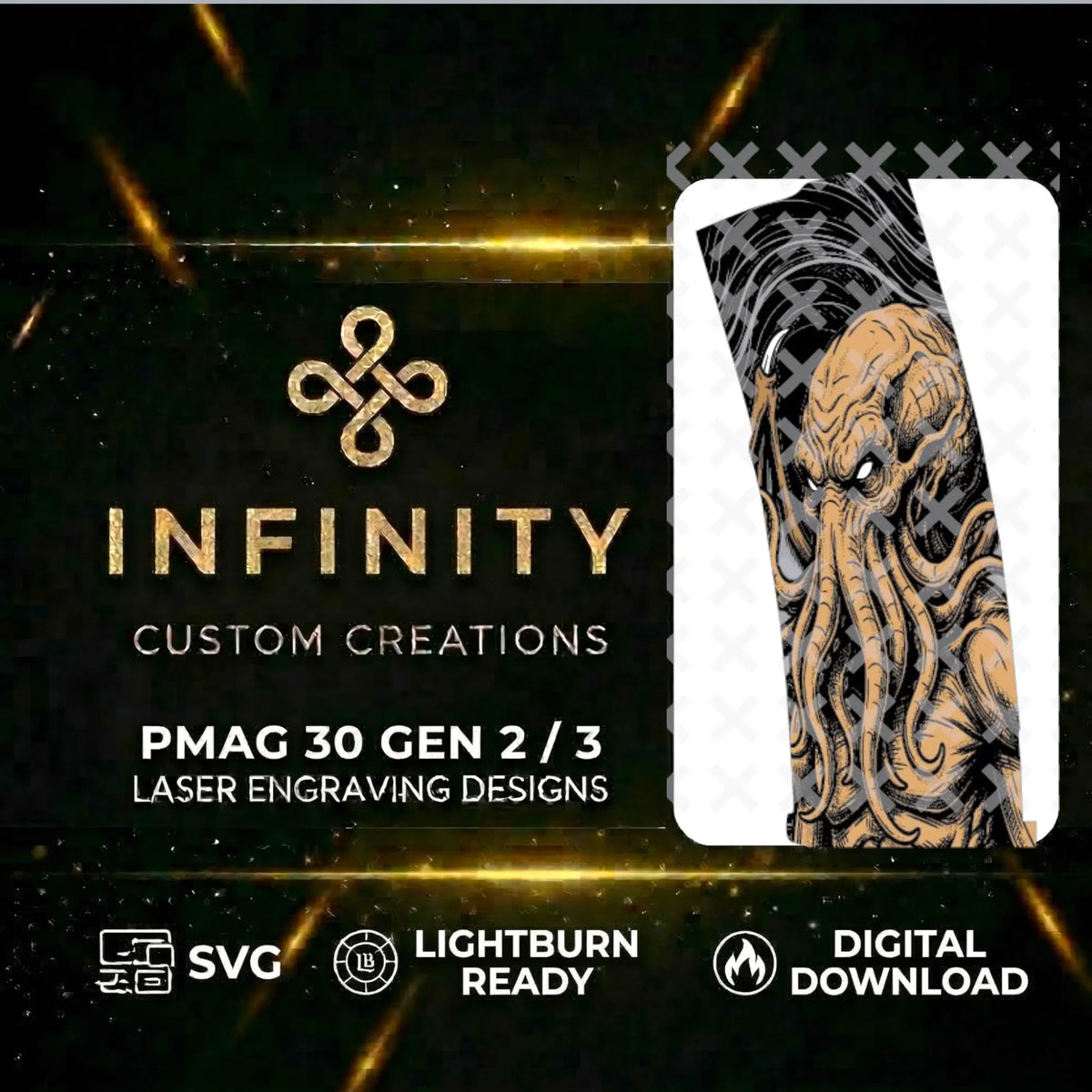
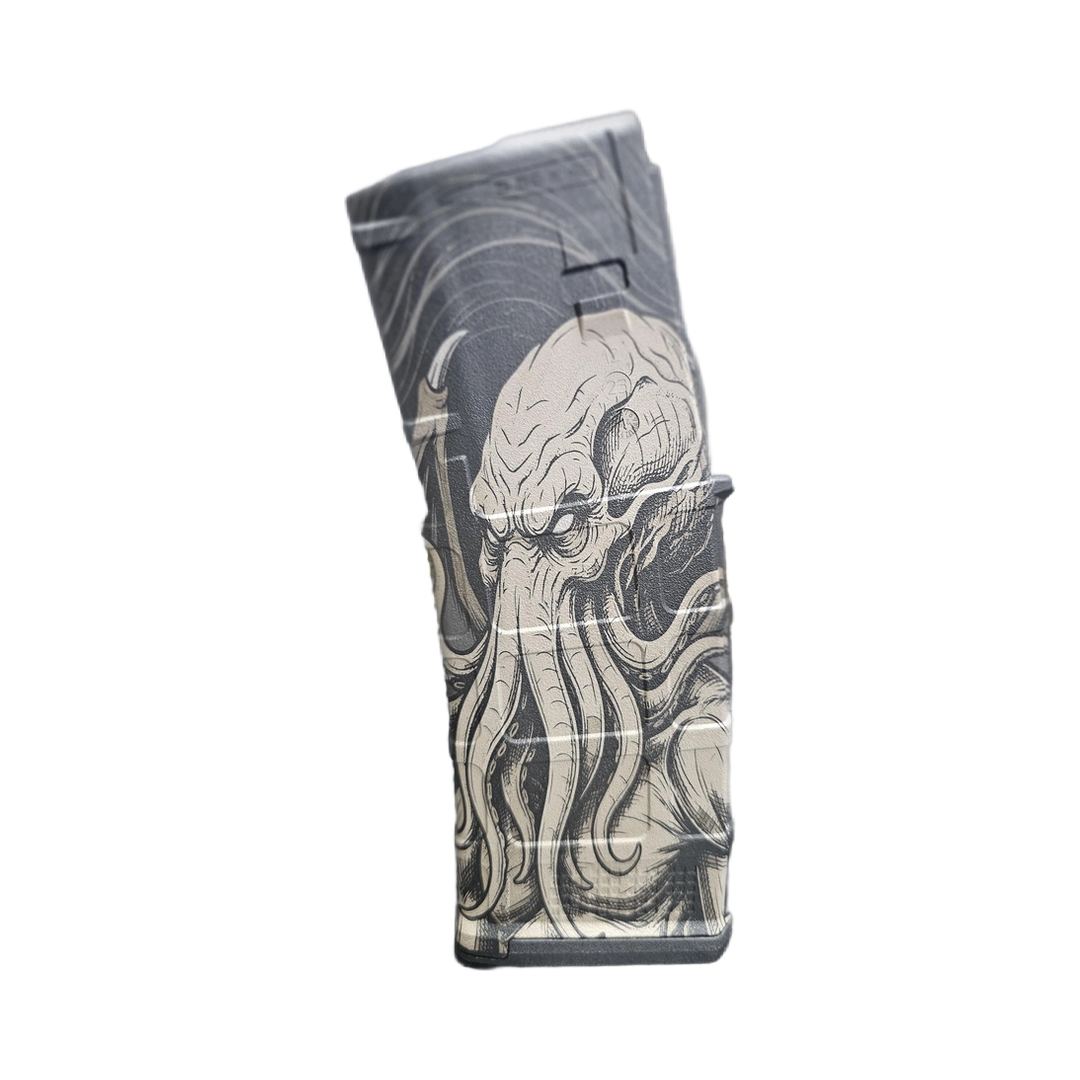
Wrap your AR-15 PMAG in cosmic horror with this Cthulhu design featuring an ancient eldritch creature with massive tentacles and deep atmospheric textures, optimized to sit naturally within the magazine's ribs and frame. The pre-configured Lightburn file includes alignment layers and organized geometry for fiber laser engraving with minimal setup required.
What's Included
-
Loaded Version: Designed around the visible magazine area when loaded.
-
Full Coverage Version: Extended artwork for engraving the full magazine surface.
-
SVG File: Universal vector format for use with compatible laser software.
-
LBRN2 File: Pre-configured LightBurn project with organized layers and alignment tools.
-
PMAG Tool Layer: Dedicated T1/T2 alignment profile for framing and positioning your magazine before engraving.
Optimized for LightBurn
The included LBRN2 file is organized to make setup as simple as possible.
-
Built-In Alignment Tool: Use the dedicated PMAG tool layer to frame and center your workpiece.
-
Organized Layers: Engraving layers are arranged to run from top to bottom for a straightforward workflow.
-
Clean Vector Geometry: Optimized paths help produce smooth laser movement, sharp lines, and high-contrast detail.
-
Easy to Customize: Adjust individual layers to dial in the colors, tones, and engraving effects your laser is capable of producing.
Works With
Designed primarily for fiber laser engraving, including JPT, MOPA, Raycus, and similar fiber laser systems.
The SVG can also be imported into other software that supports standard vector files.
Great For
- Custom PMAG engraving
- AR-15 magazine customization
- Themed tactical designs
- Personal laser engraving projects
- Finished products for your customers
File Details
- SVG and LBRN2 formats included
- Two engraving layouts included
- Dedicated PMAG alignment/tool layer
- Organized engraving layers
- Optimized vector artwork for crisp laser engraving
- Instant digital download once payment confirms
Simple Workflow
-
Download & Open: Open the included LBRN2 file directly in LightBurn.
-
Align: Use the Tool Layer to frame and center your PMAG, resizing or adjusting placement as necessary.
-
Set Your Laser: Apply the speed, power, frequency, line interval, and other settings appropriate for your machine.
-
Engrave: Confirm your layer order and run the engraving layers from top to bottom.
-
Finish: Clean the magazine and enjoy the finished engraving.
Your Laser, Your Settings
Every laser and setup is different. Fiber source, wattage, lens, material, coating, focus, speed, power, frequency, and other variables can all affect the final result.
The included files provide the artwork, layout, organization, and alignment tools, but you are responsible for determining the correct engraving settings for your specific machine and material. Always verify placement, sizing, focus, and settings before engraving your final piece.
License Terms
-
Commercial Use: You may use these files to create and sell finished physical products.
-
No Digital Redistribution: You may not resell, share, upload, distribute, or otherwise provide the SVG, LBRN2, or included digital files to others.
Please Note
This is a digital download only. No physical magazine, firearm component, or other product is included.
Trouble opening or using the files? Message us and we'll help get you pointed in the right direction.